Parq.ai
Designing Complex Fleet Operations at Enterprise Scale
- Period:
- 2021–2026
- Contribution:
- Product Designer / UX/UI Design Lead
Case summary
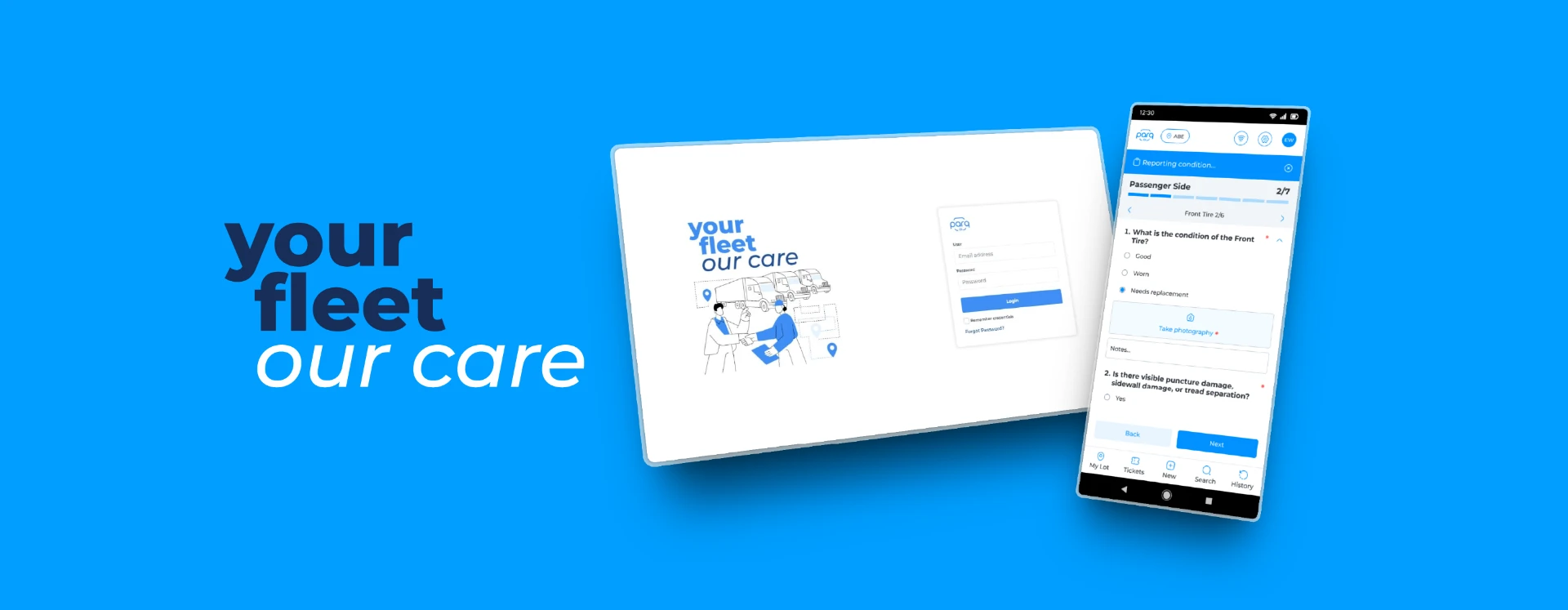
Parq.ai connects fleet assets, locations, teams, vendors and client-specific rules in one operational platform. From 2021 to 2026, my product design work focused on making those relationships understandable across web and mobile.
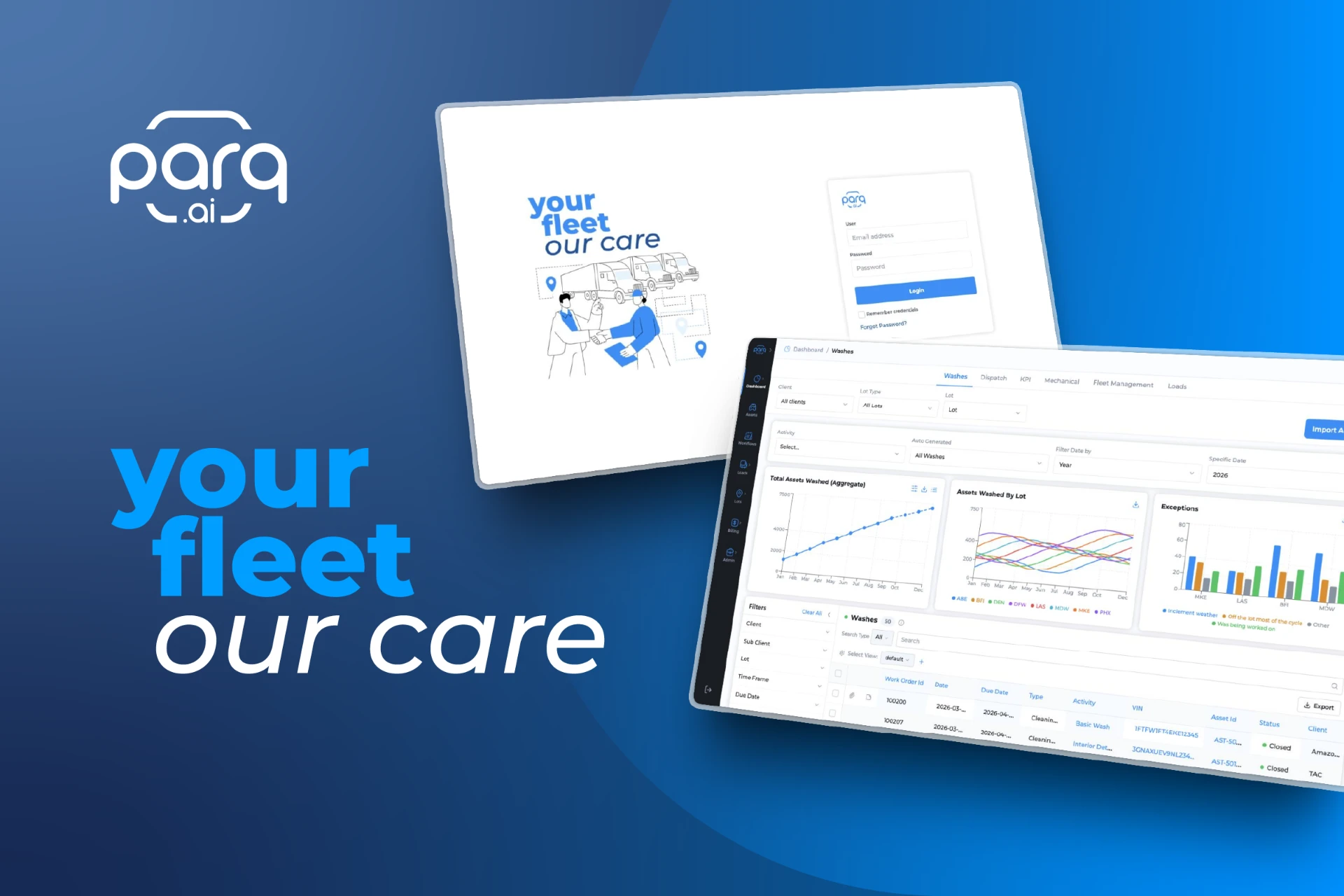
Fleet operations are more than managing vehicles
Fleet operations depend on connected records: an asset’s activity can lead to a ticket, a work order, a vendor assignment and an SLA exception. The interface needed to preserve that context as users moved between tasks.
Designing a system that could scale without losing flexibility
Each client operated with different locations, vendors, service agreements and business rules. The challenge was to support that variability through a coherent product rather than separate interfaces for every configuration.
From business requirements to production-ready experiences
Working with Product, Operations and Engineering, I translated business requirements into information structures, interaction models and high-fidelity designs. Reviews and iteration aligned the proposed experience with operational constraints before development.
Designing software for a real-world operation
For Site Plans, I structured infographic lot maps using approximate measurements to represent parking areas, lanes and operational zones. This connected digital workflows with vehicle movement and capacity in the physical environment.
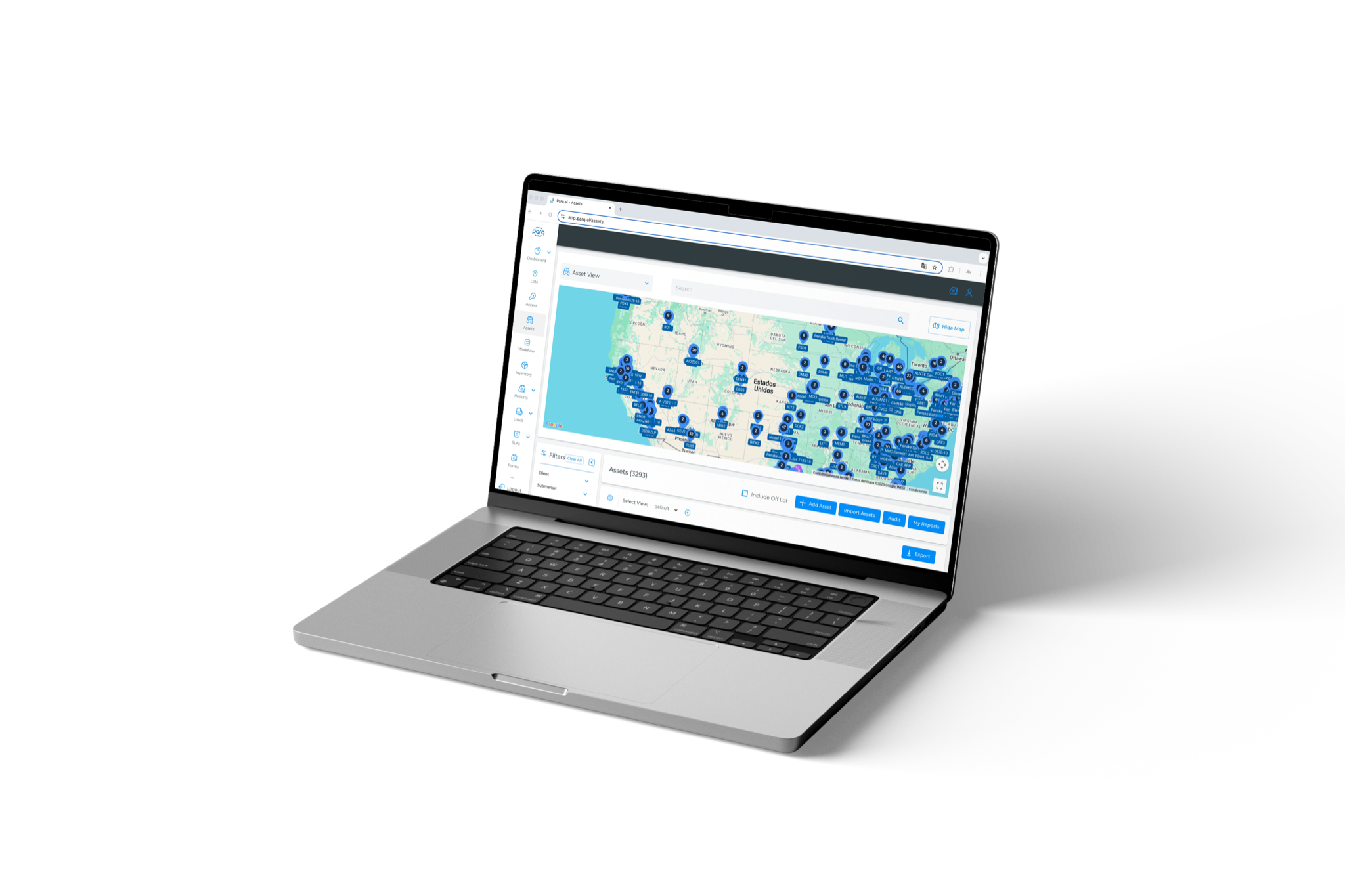
One platform, many interconnected systems
Fleet Management, Workflows, Tickets, Work Orders, transportation, Pricing and Readiness shared the asset and its operational history as a common reference. Navigation and contextual patterns connected these areas without requiring users to interpret the underlying architecture.
Connecting Assets, Tickets and Work Orders
I explored explicit links between Assets, Tickets and Work Orders so users could follow an operational issue across records, activities, responsibility and SLA conditions without losing the asset context.
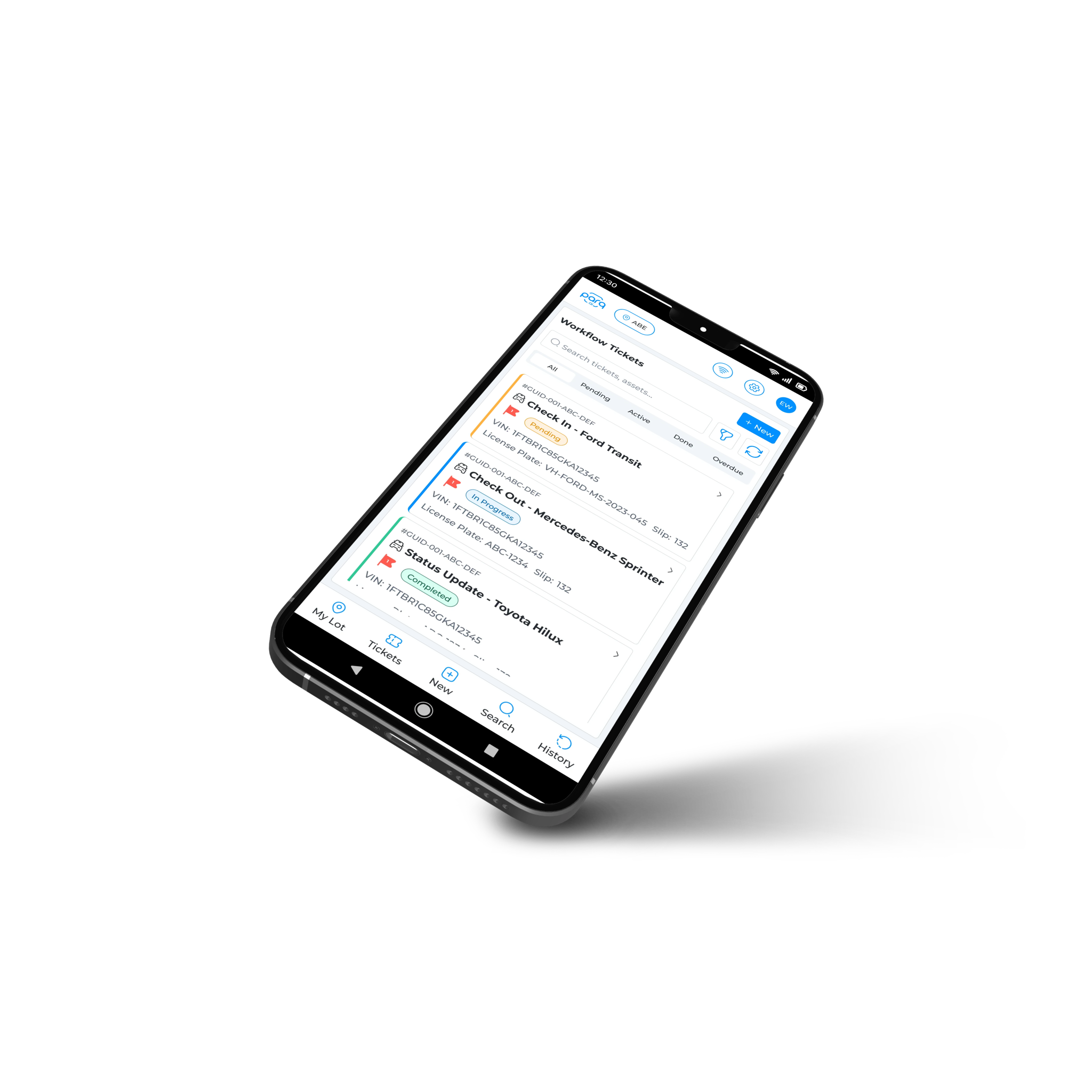
Turning operational exceptions into actionable workflows
The Exception Engine evaluated Work Order conditions and generated actionable tickets with an ordered ownership path. Ten configurable triggers covered unassigned, stalled, aging or incomplete work. Green, yellow and red states communicated urgency; the documented yellow threshold was 70–99% and red began at 100%.
Making business logic configurable without making it feel like code
Asset Readiness rules depended on client-specific logic that Operations could not inspect or change without Engineering. I expressed the configuration as natural-language rules, accounting for multiple conditions, warning states, conflicts, manual overrides, migrated rules and validation.
From six steps and a calculator to one pricing experience
Pricing previously required finding an activity and vendor, opening the SLA, locating the margin and calculating the final price manually. The proposed experience brought client, lot and activity views together, supporting both vendor-cost-plus-margin and reverse client-price calculations. The PRD set a lookup target of under ten seconds—not a measured result.
Turning operational data into decisions
The Vendor Performance PRD organized vendor health, turnaround time, rework, SLA compliance, downtime and cost comparisons around decisions requiring operational attention.
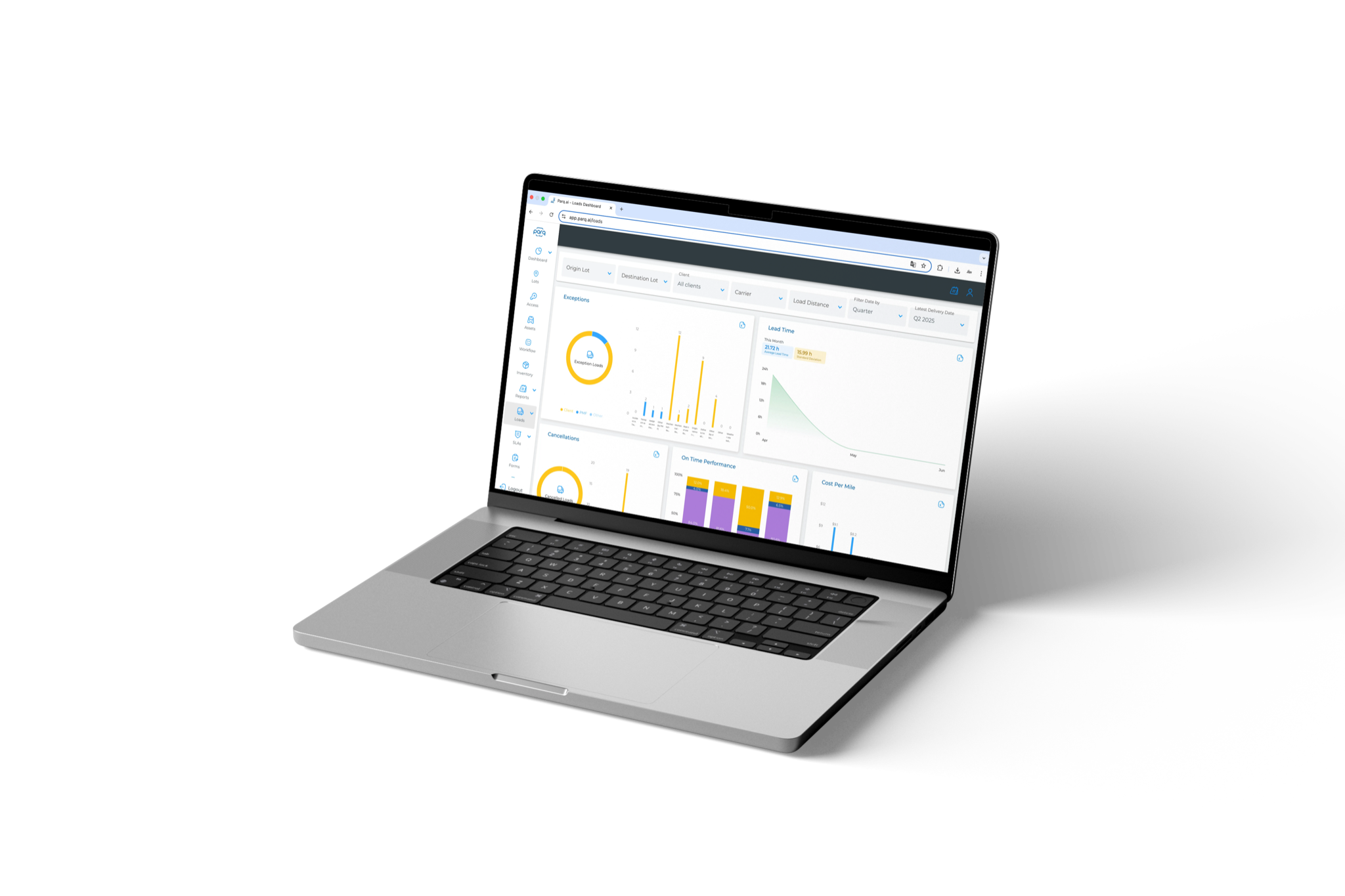
From a single-client operation to a multi-client platform
The move toward a multi-client platform introduced shared assets, distributed ownership, partnerships, cross-client access, permissions, possession, SLAs and audit trails. These requirements extended the design work from individual workflows to reusable enterprise foundations.
Designing patterns instead of isolated screens
I developed and maintained reusable navigation, table, filter, form and feedback patterns across 7+ core product areas. The system provided a consistent foundation for new workflows and configurations.
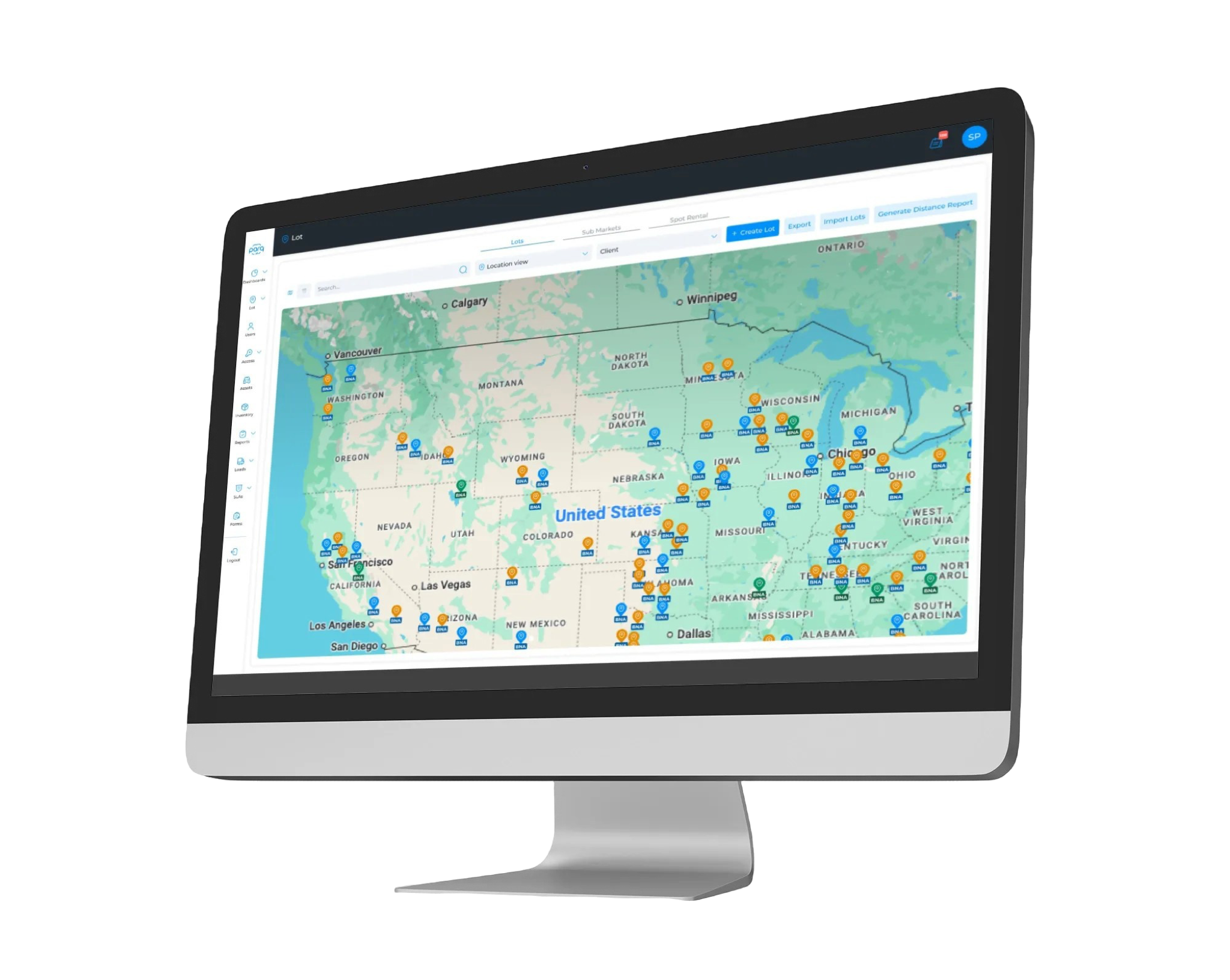
From design to product
Designs moved through Product review, refinement and implementation, with further adjustments as operational requirements evolved.
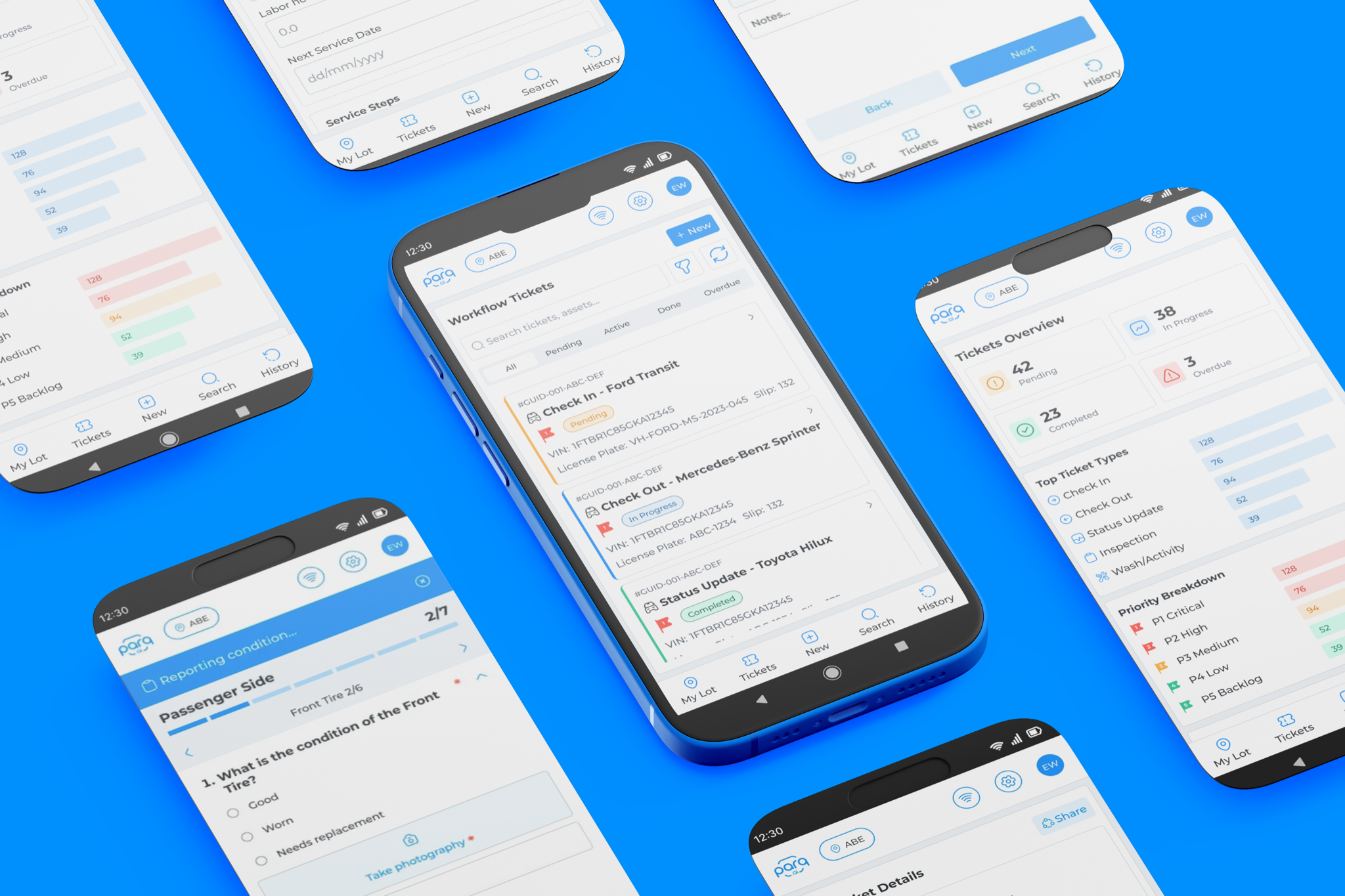
Documented scale
These figures describe the platform’s operating context, not a measured improvement attributable to design.
- 28 operational locations
- ~10.4K fleet assets
- 7+ core product areas · Web + Mobile
Relationships, exceptions and reusable patterns
Enterprise clarity comes from making relationships explicit, designing for exceptions and maintaining reusable patterns as the product grows.